

Elgato Stream Deck MK.2 Price in Nepal | Streaming Controller for Content Creators
Customizable streaming controller with 15 LCD keys for OBS, shortcuts, productivity automation, and professional content creation workflow management.
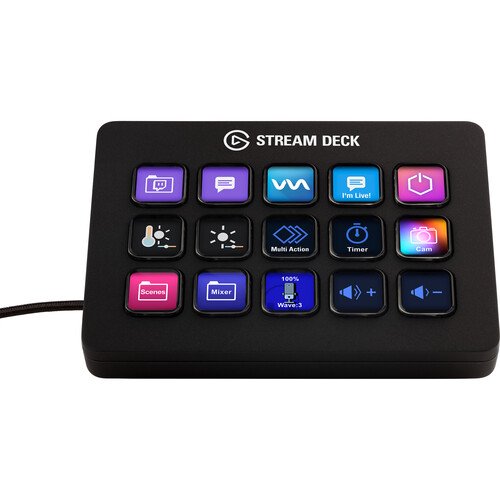
The Elgato Stream Deck MK.2 is a powerful desktop streaming and productivity controller designed for content creators, streamers, YouTubers, video editors, designers, developers, and professionals who want instant control over their digital workflows.
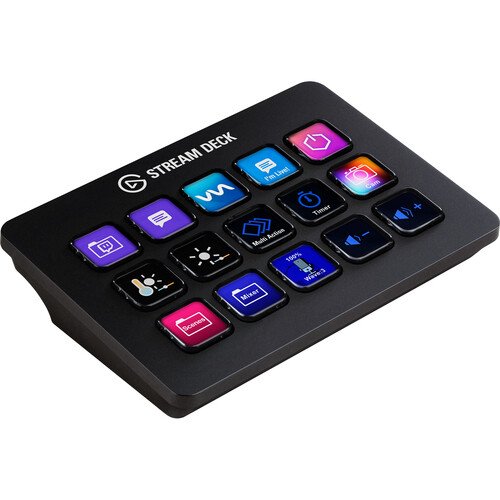
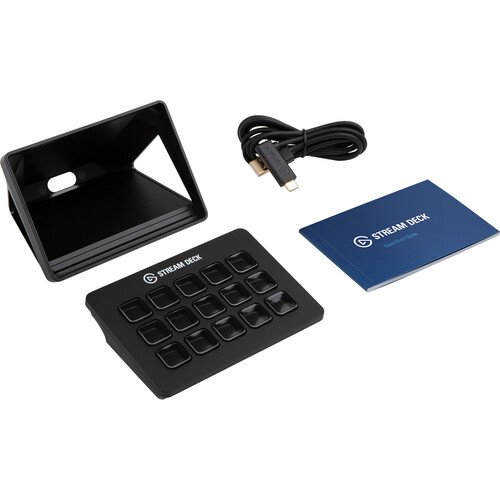
It features 15 fully customizable LCD keys, allowing users to assign shortcuts, macros, apps, and actions for streaming, editing, and productivity tasks. Each key displays dynamic icons or images, making it easy to visually organize workflows and control complex software with a single press.
The Stream Deck MK.2 is widely used in platforms like OBS Studio, Streamlabs, Twitch, YouTube, Discord, Spotify, Photoshop, Premiere Pro, and many other creative tools.
According to global listings, the Stream Deck MK.2 typically costs around $130–$150 internationally, while in South Asia markets it is often priced around NPR 14,000 to NPR 26,000 depending on import, taxes, and availability.
Key Features
🎛️ 15 Customizable LCD Keys
Each key can be programmed to trigger actions like scene switching, launching apps, adjusting audio, posting content, or controlling smart tools.
🎥 Perfect for Streaming Control
Used heavily by streamers to control OBS scenes, mute/unmute mic, switch cameras, and manage overlays instantly.
⚡ Productivity Automation
Beyond streaming, it works as a powerful shortcut tool for:
- Video editing workflows
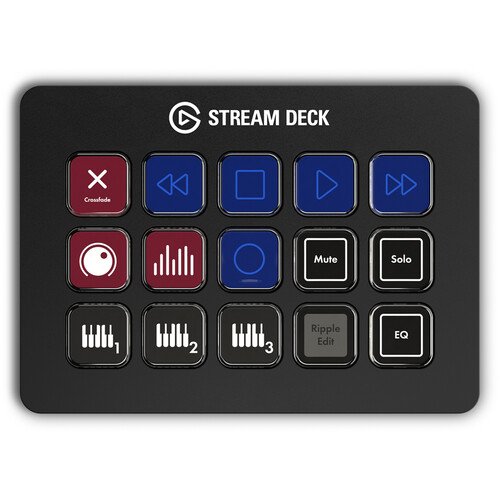
- Music production controls
- Coding shortcuts
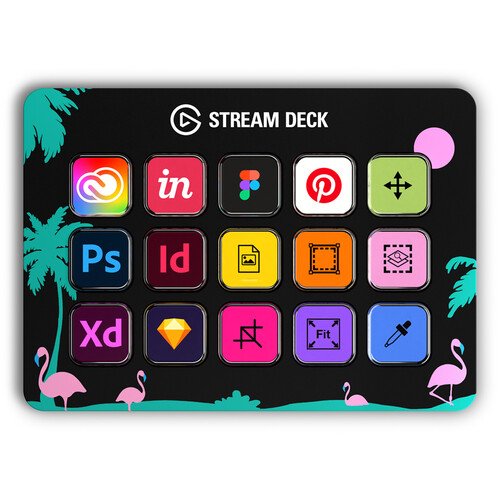
- Design tools (Photoshop, Illustrator)
- Office productivity tasks
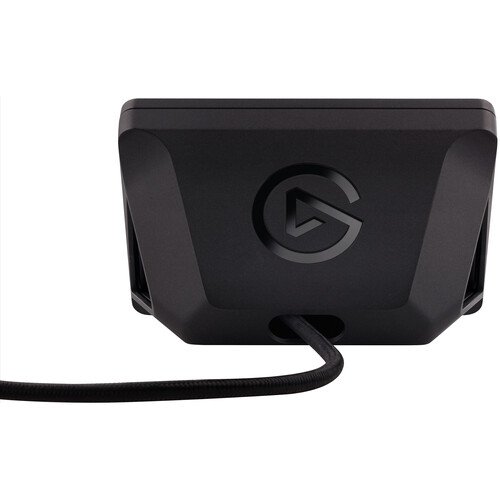
🔌 Plug & Play USB-C Connection
Simple USB connection ensures quick setup on Windows and macOS systems.
🎨 Fully Customizable Interface
Users can install plugins, icons, and profiles from the Elgato marketplace to personalize their setup.
Performance & Usage
The Stream Deck MK.2 is not just a gadget—it is a workflow optimization tool. It significantly reduces time spent switching between apps or remembering complex shortcuts.
For streamers, it enables:
- Instant scene switching
- Sound effects control
- Chat management
- Stream overlays and alerts
For professionals, it improves:
- Editing speed
- Task automation
- App switching
- Multi-software control
This makes it highly valuable for creators building professional-level content setups.
Build Quality & Design
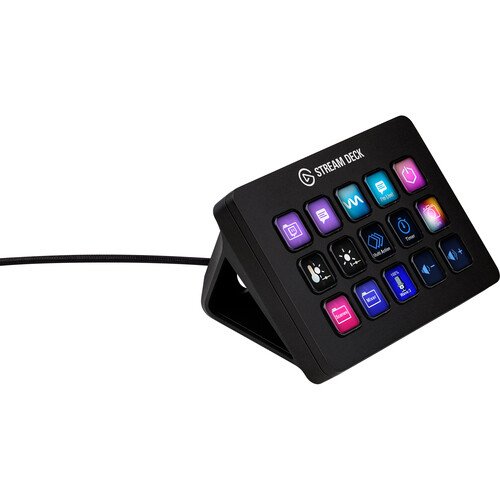
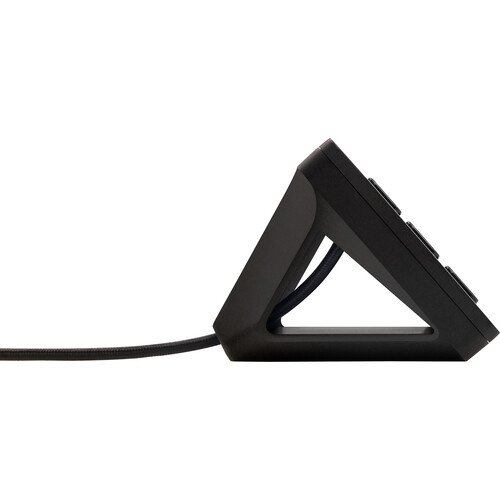
The device features a compact and premium desktop design with a detachable stand for adjustable viewing angles. The removable faceplate allows customization, and the build is solid enough for daily professional use.
Pros
- Highly customizable workflow tool
- Excellent for streaming & OBS control
- Easy drag-and-drop setup
- Supports many apps and plugins
- Improves productivity significantly
Cons
- Expensive for beginners
- Not necessary for casual users
- Requires software setup for full use
See more products here

There are no reviews yet.